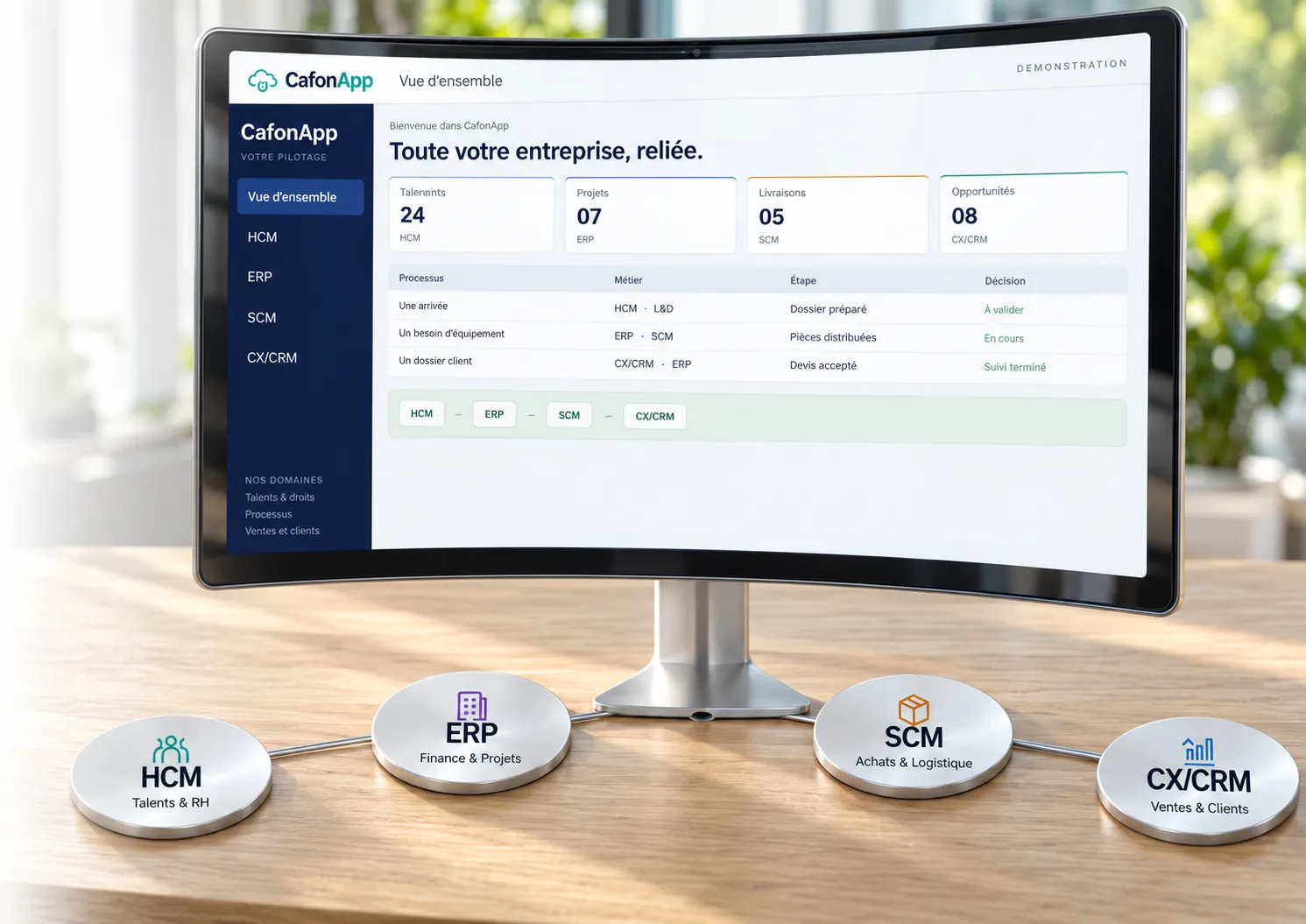
HR, leave, payroll, expenses, customers, invoices and IT services in one secure, bilingual workspace. One all-included plan priced by headcount, free trial.
Module catalogue
Connect IT+ · IT Services
IT service management following ITIL 4: incidents, requests and approvals, knowledge, problems, assets, operations, changes, process forms and audit, with service targets tracked from first report to closure.
People and org chart
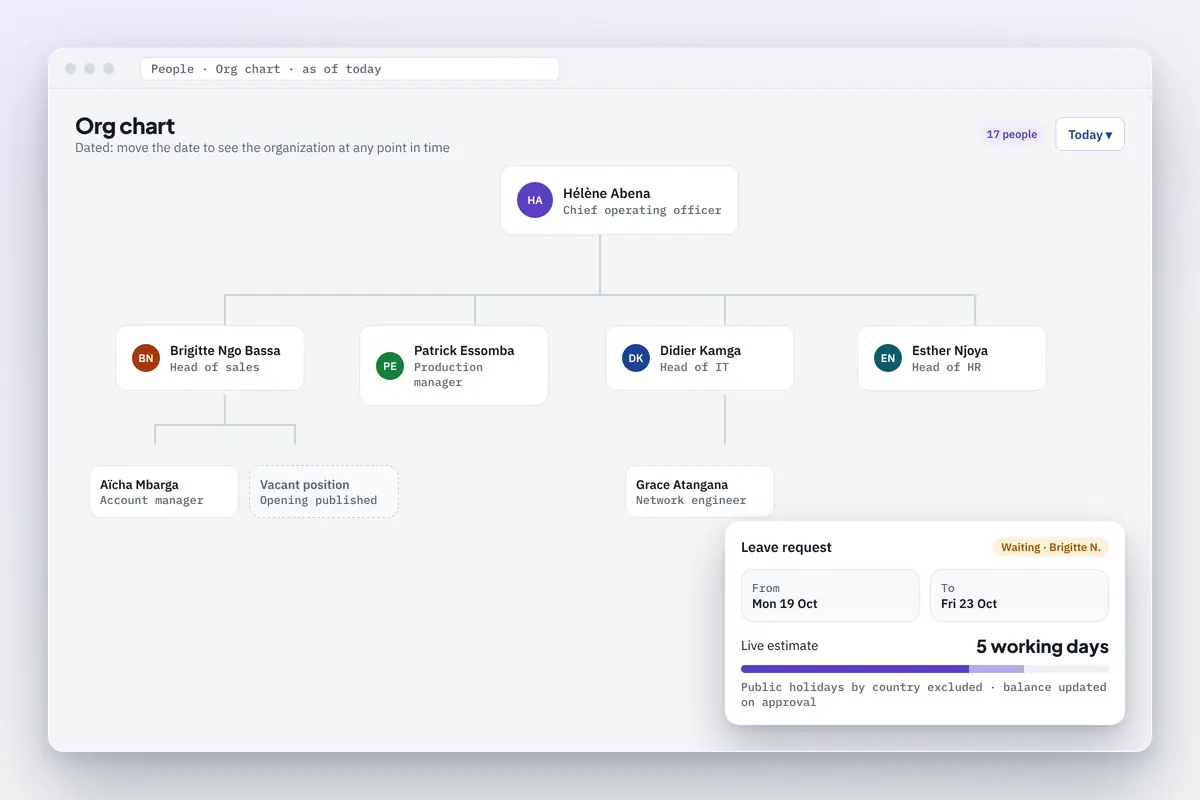
Directory, profiles, dated interactive org chart, positions, assignments, dependents and explicit permissions: the base of every HR module.
Leave
Balances, requests with a live estimate, decisions by the manager or HR, cancellations, corrections, public holidays by country, year opening with capped carry-over, team calendar.
Time
Weekly timecards by work block, project and activity; regular, overtime and missing hours; decision by the manager or HR; closable periods; approved-hours export for payroll.
Approval centre
One inbox for everything a person must decide (leave, timesheets, service requests) and dated delegation of a manager's decisions.
Compensation and payroll
Dated, confidential compensation, sourced payroll rules approved by a second person, runs with segregation of duties, frozen and verifiable payslips, accounting entries and payment order. Calculation model: Côte d'Ivoire.
HR documents
Certificates requested online and issued by HR, frozen, numbered and publicly verifiable; register of a person's papers and due dates, with contract ends.
Recruitment and onboarding
Job openings on vacant org-chart positions, candidates by stage, manager feedback, hiring that creates the person, onboarding and offboarding plans with tasks per owner; candidate data kept 12 months then anonymized.
Performance reviews
Review cycles, weighted goals, self-assessment, manager review shared then acknowledged, rating distribution for HR.
Commissions
Tiered commission plans (company policy) approved by a second person, recorded sales, calculated and approved statements, paid through payroll.
HR indicators
Headcount, moves, turnover, vacancies, absences, overtime, recruitment and payroll cost, as aggregates only, with small groups masked.
Electronic signature
Simple electronic signature of HR documents and internal policies: authenticated session, typed name, consent, content fingerprint, chained evidence log and public verification.
CX — Customer Experience
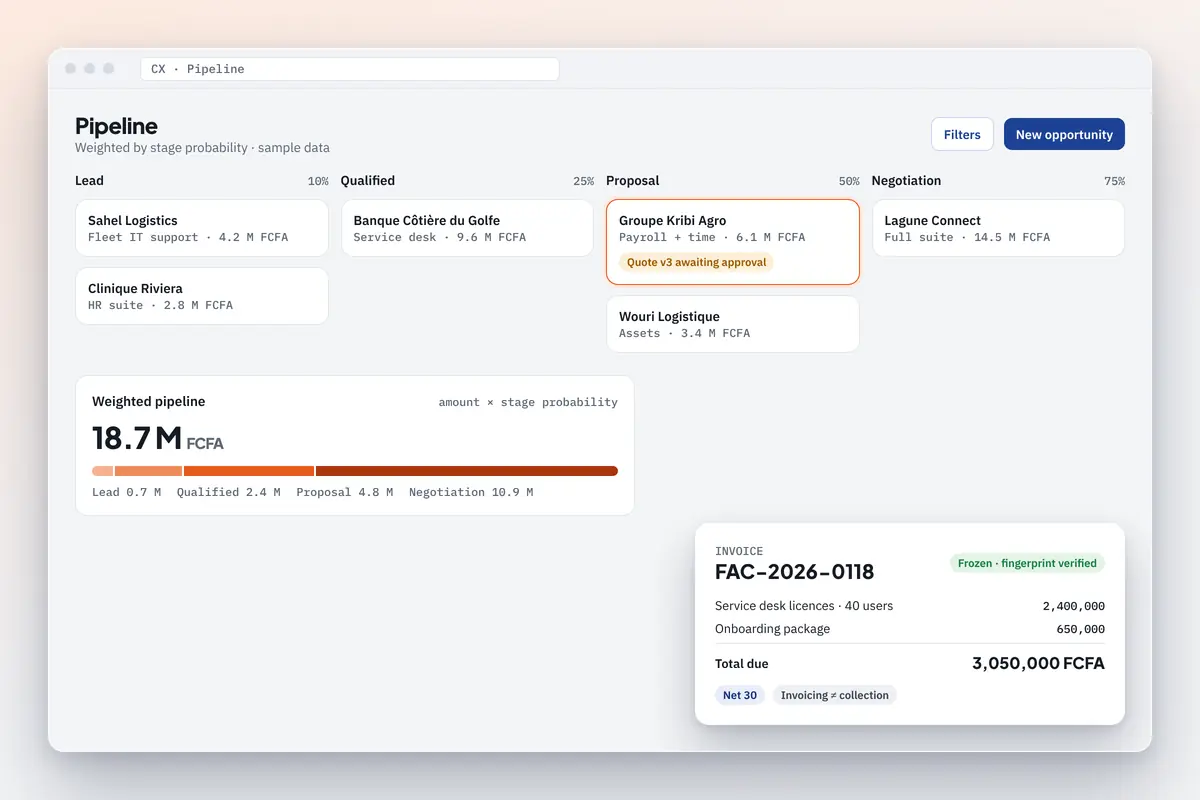
The customer relationship end to end: overview and today's tasks, customers and contacts, leads, deals, contracts and subscriptions, activities and analytics; quotes, orders, deliveries and invoices as integrated views of the invoicing module.
Sales and invoicing
Quotes, orders, deliveries, invoices, credit notes and payments, with frozen documents, verified fingerprint and separation of invoicing and collection.
H360 — Hotel operations
Hotel operations: company room types and rates, reservations without overbooking, front desk (arrivals, departures, in-house guests), append-only folio, night audit, housekeeping and key cards, adapted to each property's rules.
Hire — careers portal
The public and candidate face of hiring: approved organisations' jobs on a public portal (hire address or an organisation's own address), email-verified applications, candidate space with password and code, needs reviewed by someone else, pipeline, anonymised presentations to partner employers, offers and onboarding hand-off. Internal recruitment stays the back office: a Hire job links to it, never copies it.
Pre-onboarding
The recruited candidate prepares their arrival before the start date: secure access (password then email code), profile, dependents, CNPS/CMU and other documents, contract, “My arrival”, messages with HR. HR validates (“received” is not “validated”), IT creates the professional identity, the employee record is created by the organisation's rules and documents are transferred on the start date.
Expenses
Itemised expense claims with a receipt per line, mileage and daily allowances, other currencies, company policy, pre-approvals and advances, manager then finance review, recorded reimbursements, exports and analytics.
Budgeting
Budget by line and cost centre over a twelve-month year, versions approved by someone else, daily actuals and commitments with live budget control, month-end close with explained variances and a snapshot, dashboard, management income statement, cash plan, rolling forecast and scenarios.
Go-to-market
End-to-end steering of a product launch or go-to-market campaign, in TRAME before the lead: programmes, actions with playbooks (why, how, where), owners from the org chart, editorial calendar, LinkedIn, Google Ads, Google Analytics 4, YouTube and Meta campaigns and results, budget by scenario and channel, four-eyes spend, indicators, a 3D orbital scene and an MCP server for assistants.
Cafona Plus — AI assistant
Publisher option on top of the standard plan: an assistant you talk or type to, which prepares a quote, an account and its contact, an e-mail, a call summary or a Zoom or Microsoft Teams meeting. Every draft is reviewed and confirmed by the person; only the confirmation writes, through CafonApp's usual actions.
Frequently asked questions
How does ordering work?
You enter your number of employees, your organisation and your workspace address, then pay by card or attach a purchase order. Your workspace is then prepared and its administrator receives an activation email.
Which payment methods do you accept?
Visa and Mastercard on Stripe's secure page, or a purchase order: the invoice is then e-mailed and payable by transfer within 30 days. If a card is declined, you can switch to a purchase order without entering your order again.
Which currencies can I pay in?
The price is set in several currencies: CFA franc (XOF and XAF), Canadian dollar, US dollar and euro. No price is converted at the day's rate.
Do prices include taxes?
No. Prices are before tax; applicable taxes are added according to your jurisdiction.
Is there a commitment?
No. The subscription is monthly, with no minimum term and no setup fee. The full conditions are in the terms of use.
Can I try before ordering?
Yes. You try CafonApp free, with every feature, in your own workspace and without a credit card, for the period shown on the plan. Request the trial at the bottom of this page.
Where is our data stored?
Each organisation has its own workspace, isolated from the others, on Cloudflare's infrastructure. Storage locations and subprocessors are detailed on the Hosting and subprocessors page.
Can I add features later?
Everything is already included: improvements to the included modules reach your workspace at no extra cost. Hospitality and Hire are added on request.
How is access protected?
Every sign-in asks for a password and a code sent by e-mail, or a passkey. Rights are granted person by person, sensitive decisions need a second person and every important action is written to an audit log.
How is the price calculated?
A monthly base price covers your first 10 users and the administrator, who is not counted. Each extra user pays the price of their tier, which goes down with volume, with no price jump. Paying ahead gives a discount. The price is frozen when you order.
Does payroll work in my country?
Payroll calculation currently follows Ivorian rules. Elsewhere, you upload the payslips produced by your payroll software in one go: each one is matched to the right person, checked, then published in their space.
Can I resell or integrate CafonApp?
Yes. The partner program has three levels: certified reseller, certified integrator and Gold systems integrator. You apply on the Partners page, follow your level's track at the Academy for free, earn your certificate, then Cafona verifies your company. Cafona bills your customers' subscription at the public price and pays you a commission every quarter; your roll-out and training services are billed by you.